09
Jun
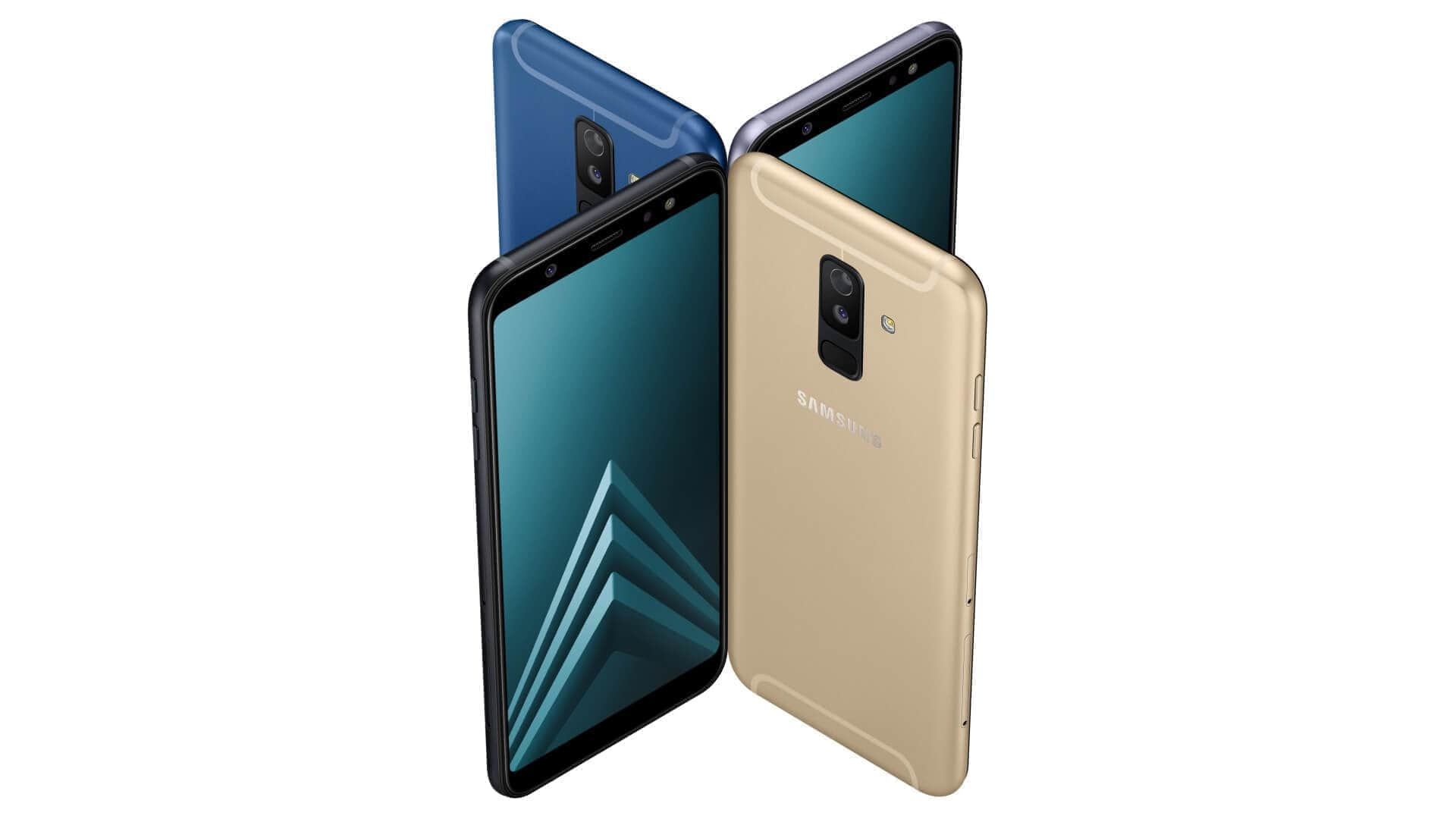
How to Factory Reset through code on Samsung Galaxy...
Turn on your phone. Enter the following code: *2767*3855#. Press the Call button to finish "data reset". After a Factory reset...

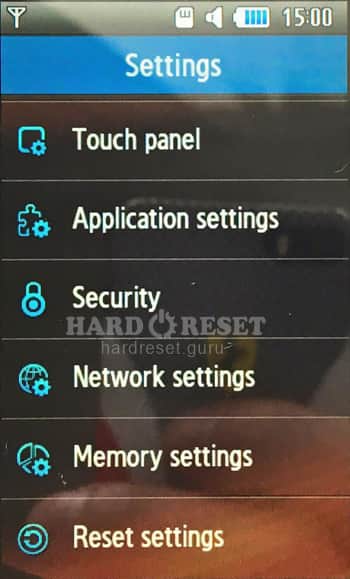
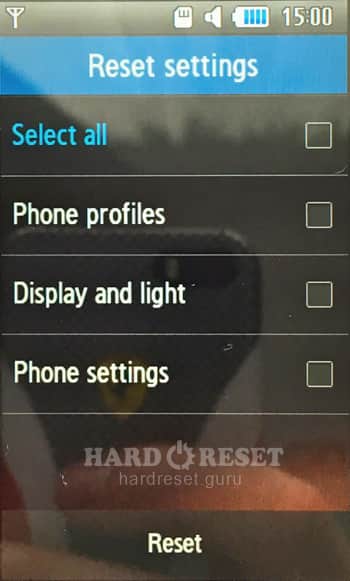
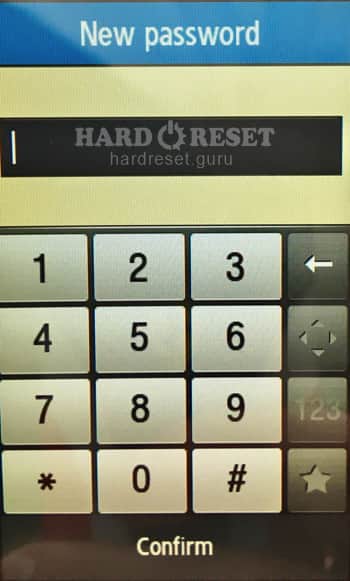
Turn on your phone. Enter the following code: *2767*3855#. Press the Call button to finish "data reset". After a Factory reset...




0Comments
Log into post a comment.